About this article. This is an original, research-based editorial assessment, not a hands-on lab test. Manufacturer specifications are identified as such. Published November 17, 2026.
In this article
Give it one clear jobConfirm the exact model and generationCheck services and accessoriesReview household privacyPros, cons & who it suitsOur conclusionGive it one clear job
Start with an everyday task such as timers, alarms or control of compatible lights. Put the speaker in the room where that task happens. A simple useful routine is a better introduction than connecting every household device at once.
Confirm the exact model and generation
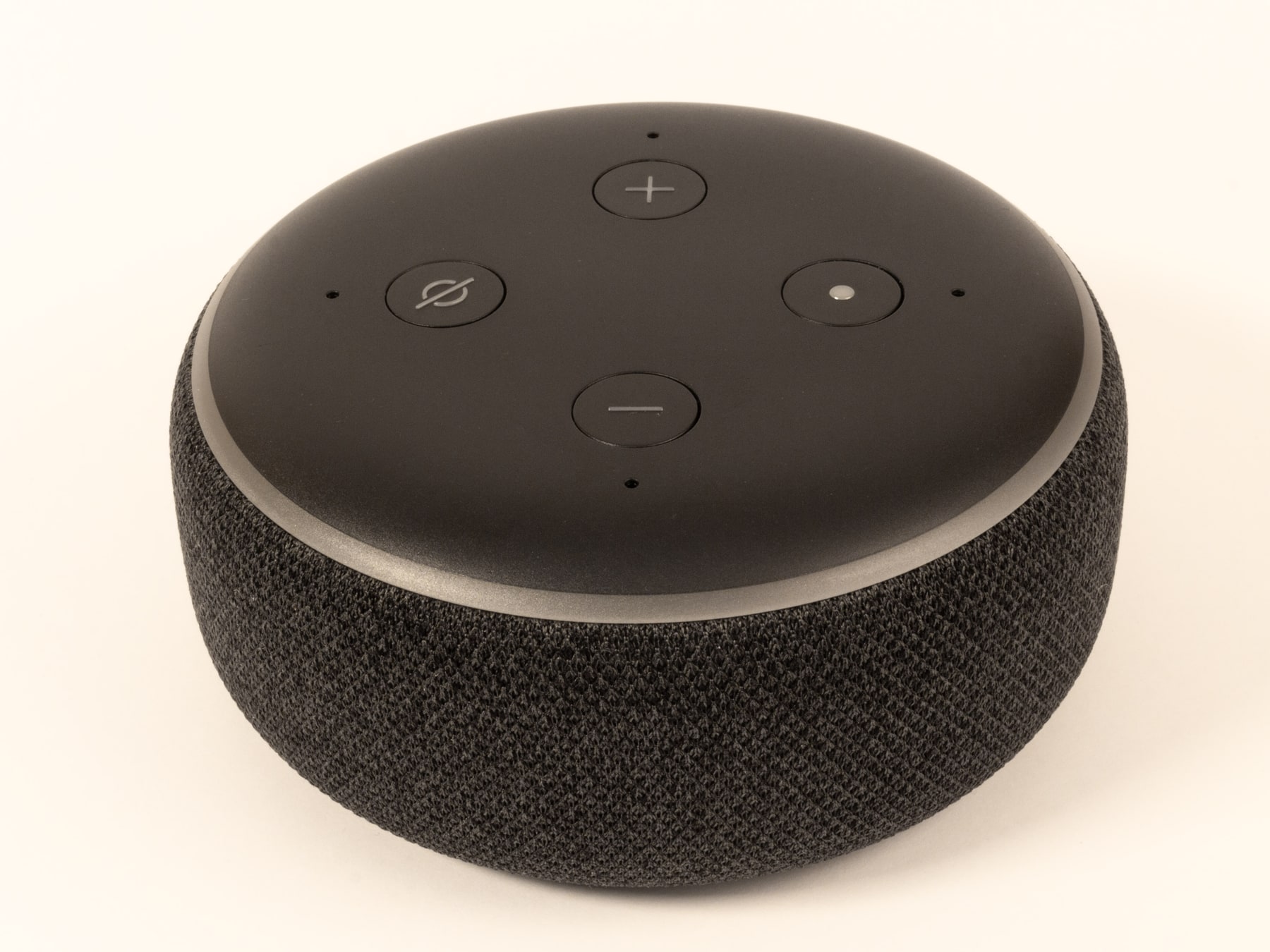
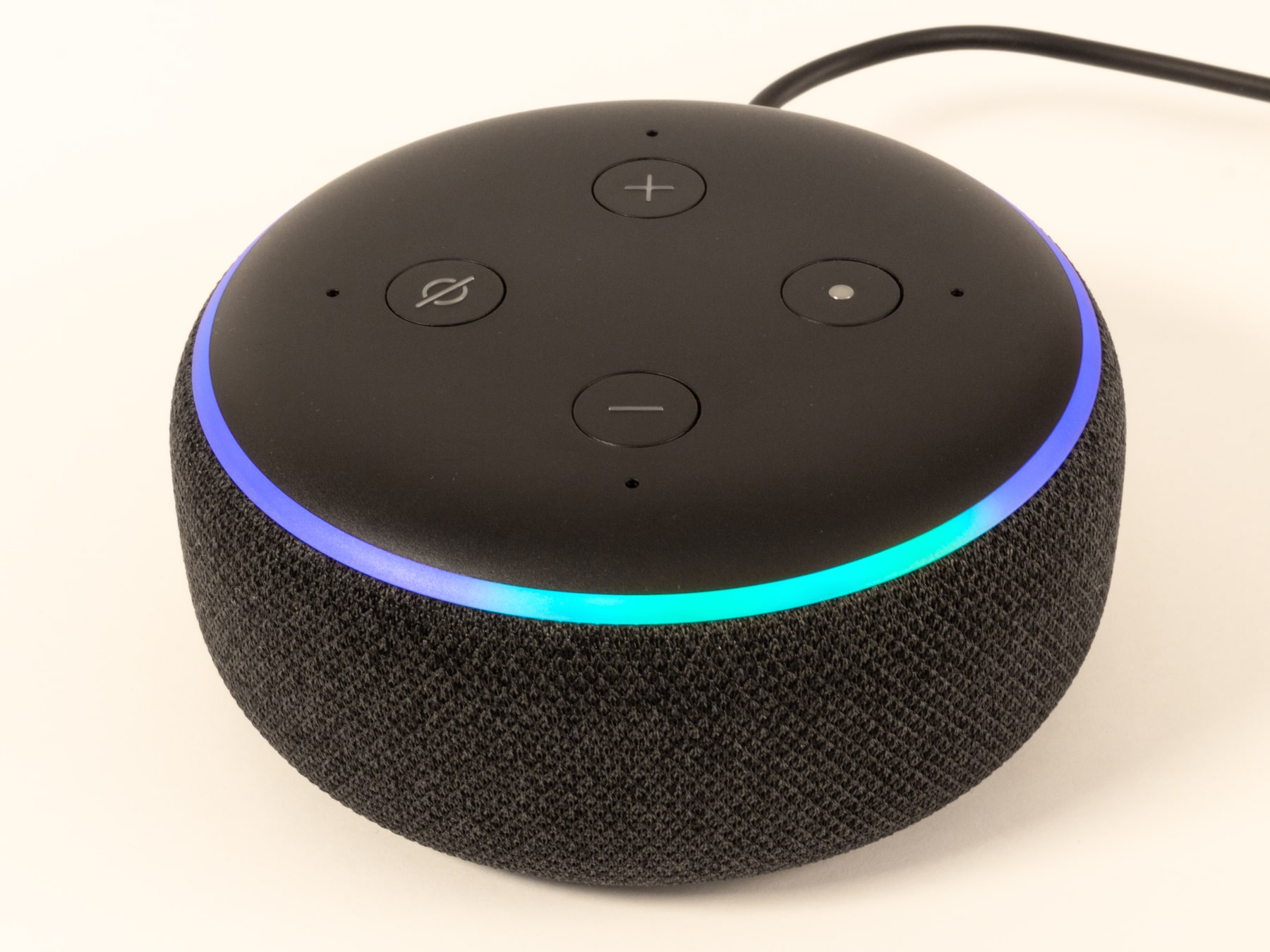
Product families can contain similar-looking devices with different hardware. Check the model name, generation and region in the listing. Do not assume a feature shown in a current advertisement applies to a used or older version.
Check services and accessories
Look up compatibility for your lights, plugs, music services and phone. Some features require accounts, subscriptions or extra hardware. Keep those costs in the comparison and confirm availability in your region. A smart-home purchase should reduce friction rather than introduce a chain of unexpected requirements.
Review household privacy
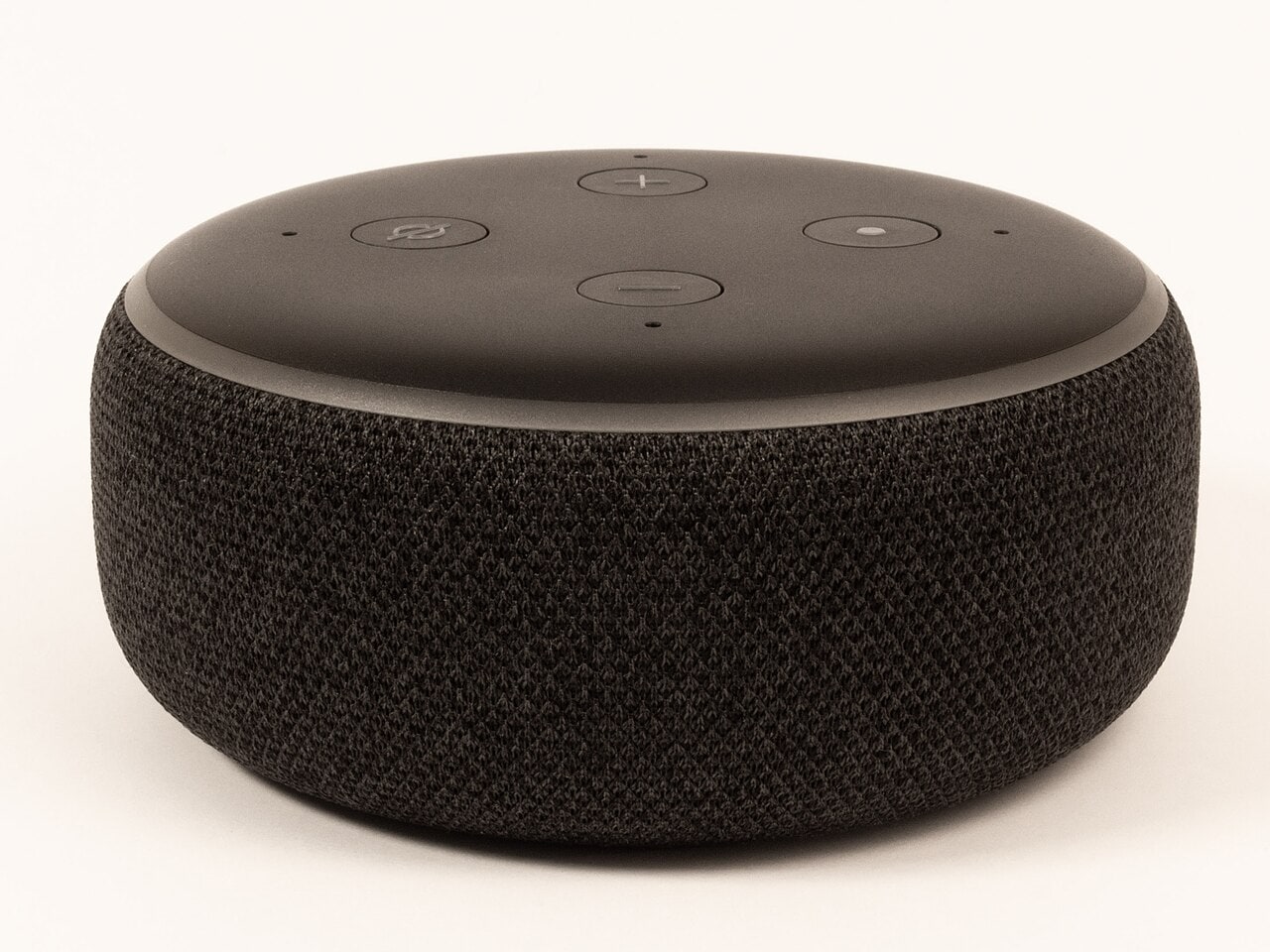
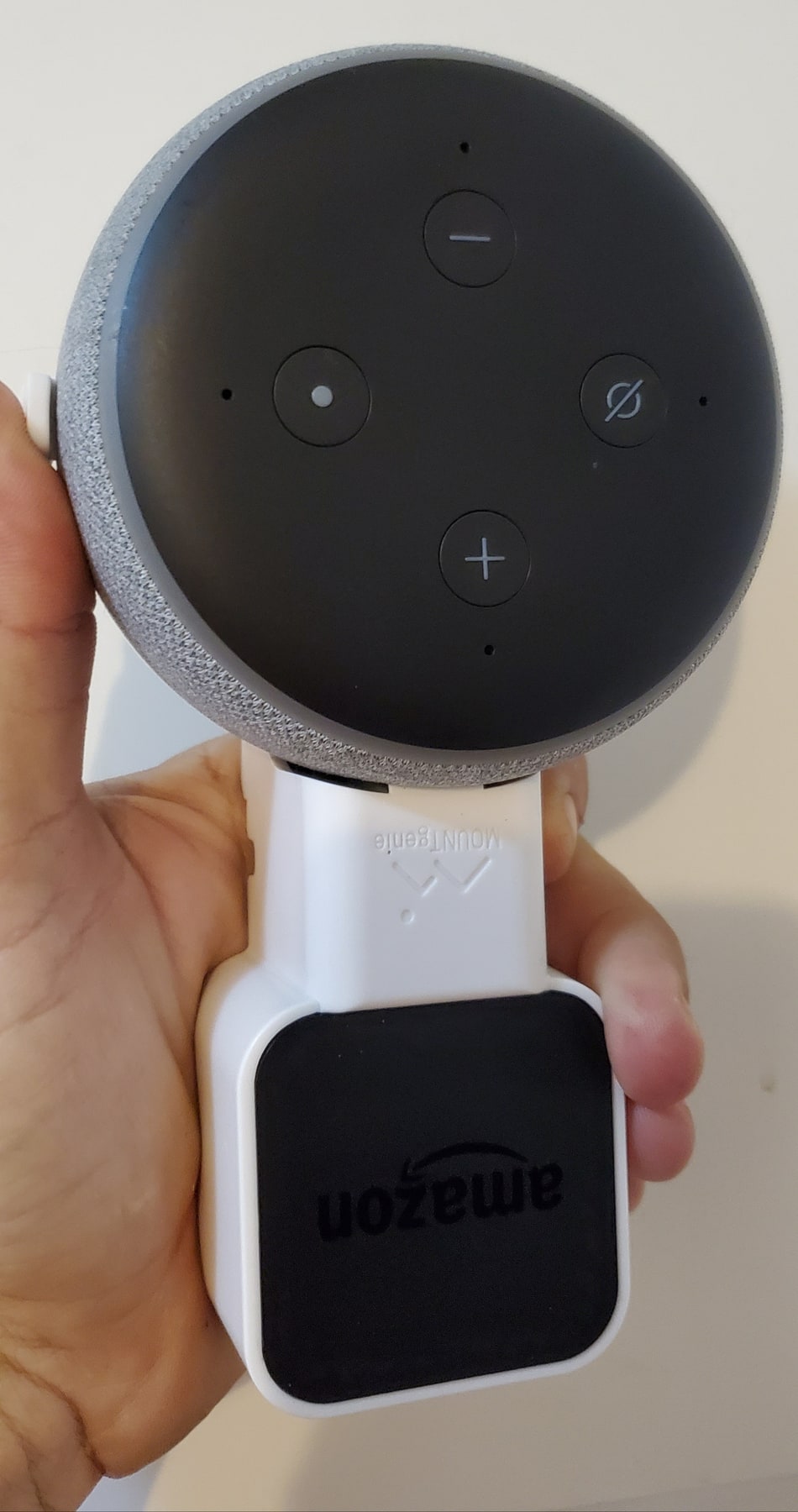
Before setup, agree who can use the device and review microphone and account controls. Consider whether voice commands could expose personal information in a shared room. Our Echo Dot assessment gives a product-family example; it does not replace the current documentation for the exact device you plan to buy.
The trade-offs
What works, and what to weigh up
Pros
- Compact format suits a desk or bedside table
- Voice control can simplify compatible home routines
- A practical entry point for an Alexa-based setup
Cons
- Cloud-connected features depend on service availability
- Not a portable battery speaker
- Generation, region and device compatibility need checking
Who it suits
People building a compatible Alexa setup who want a compact speaker for everyday commands and casual listening.
Our conclusion
Choose it for a specific room and a clearly defined routine. Check the exact generation, supported services and privacy settings before bringing it into your home.
Start with your needs, compare the exact product and choose a seller whose terms you understand. A clear fit is more valuable than a long feature list.
Sources & editorial notes
Amazon Echo identification guide — consulted for product details. Product availability, support and service features can change; confirm the exact version before purchase.
All product photographs show the Echo Dot 3rd generation. Features of later Echo Dot generations should not be assumed to apply. We do not reproduce third-party reviews. Photographs are licensed separately; see image credits. For corrections, email the editorial team.