About this article. This is an original, research-based editorial assessment, not a hands-on lab test. Manufacturer specifications are identified as such. Published November 17, 2026.
In this article
Start with the work, not the badgeA portable screen with practical limitsQuiet design, thoughtful configurationBattery figures and buying older stockPros, cons & who it suitsOur conclusionStart with the work, not the badge
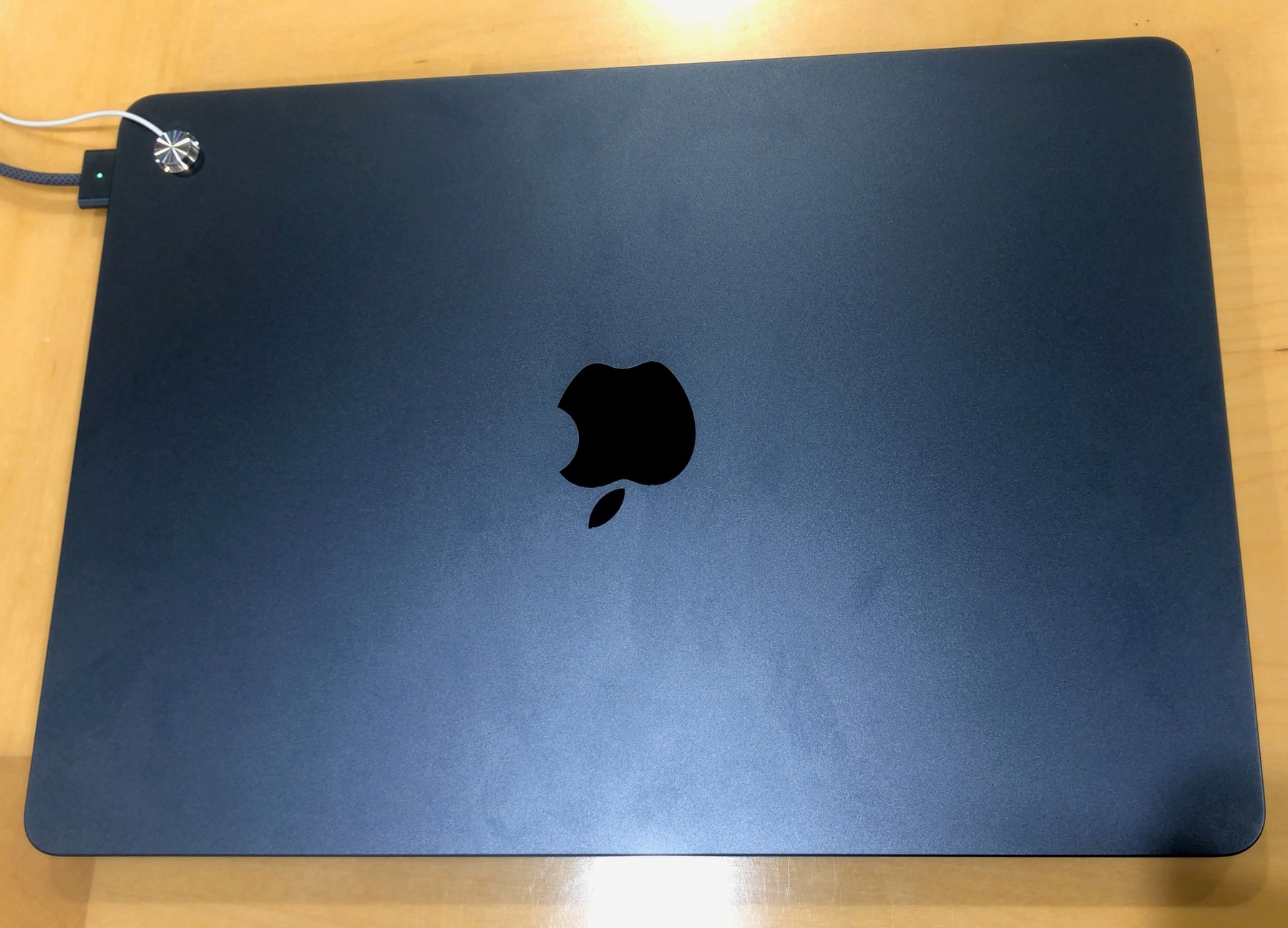
A notebook purchase becomes easier when the workload is clear. Documents, browser research and video meetings ask different questions from large media projects or specialized engineering software. The M2 MacBook Air is a compact macOS notebook worth considering for everyday work, but a familiar brand does not settle software compatibility, memory needs or the total cost of accessories.
A portable screen with practical limits
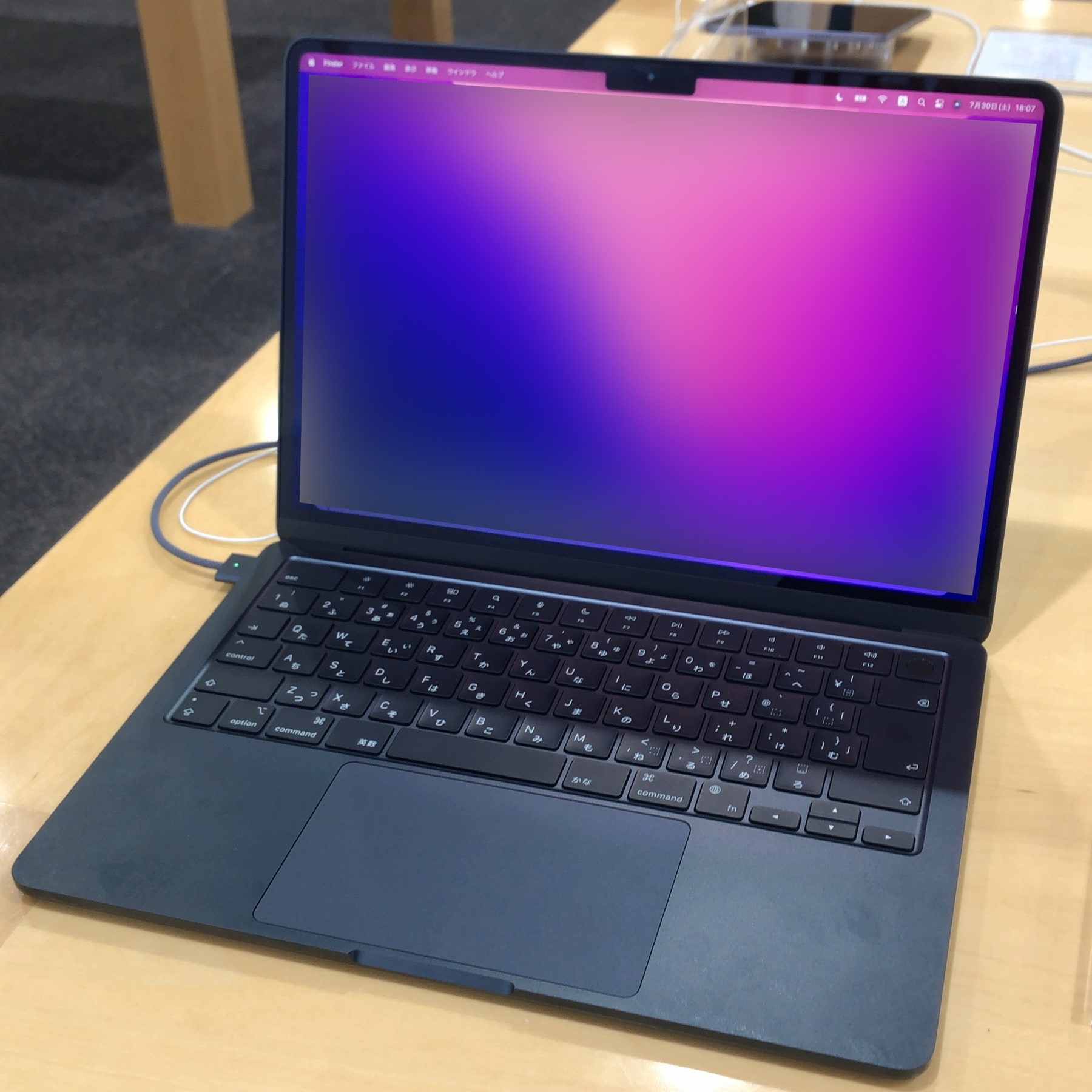
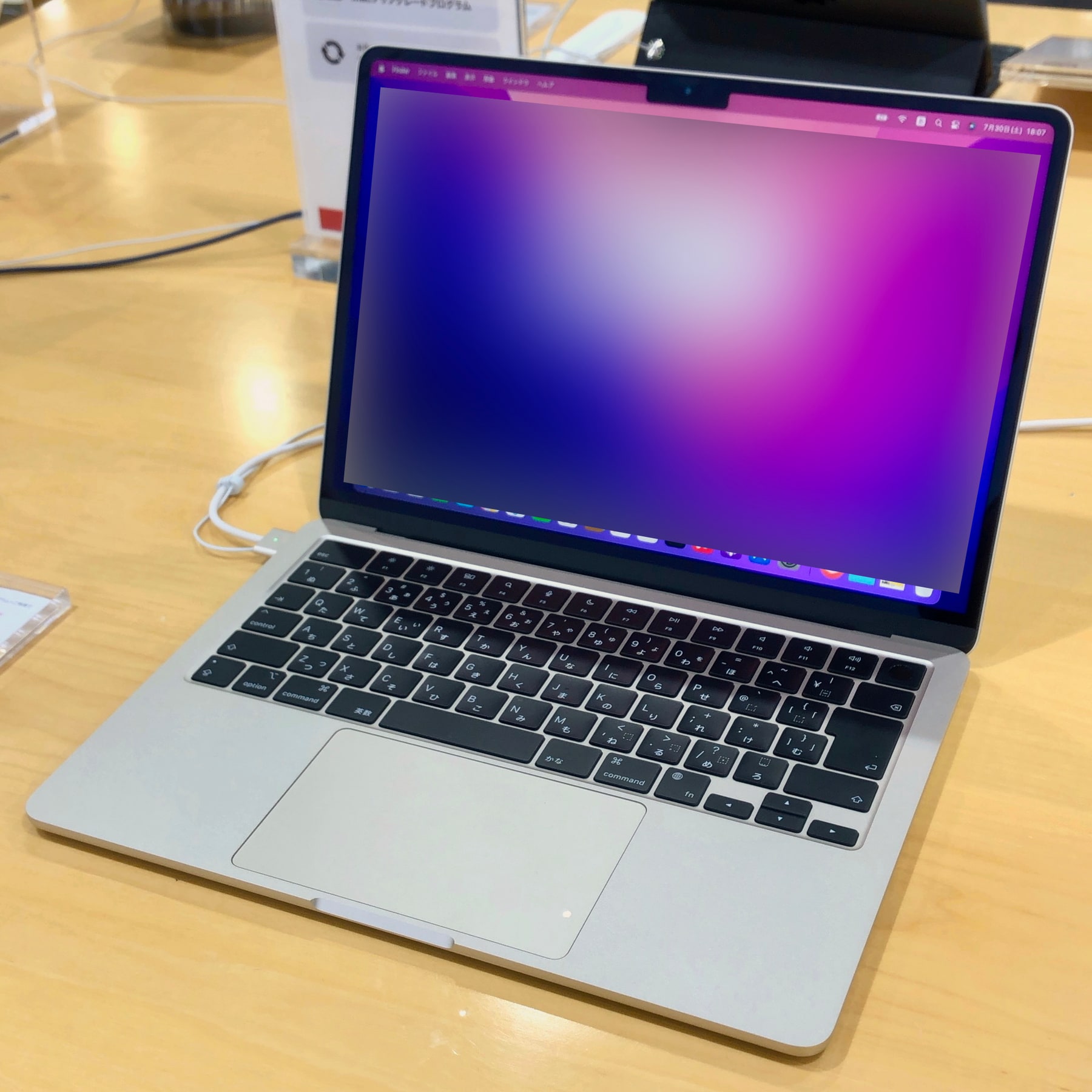
Apple lists a 13.6-inch display for this model. It gives you more room than a small tablet while keeping the notebook portable. Whether it is enough for your work depends on how often you keep documents side by side. If an external display is part of your routine, check the supported configurations in Apple’s specifications before choosing a dock or monitor.
Quiet design, thoughtful configuration
The fanless design avoids fan noise. It is still sensible to distinguish occasional demanding tasks from sustained heavy workloads: the absence of a fan is a design trade-off, not proof of unlimited performance. Choose memory and storage for the life of the computer, and compare the cost of a suitable configuration with newer alternatives rather than focusing only on the cheapest advertised entry price.
Battery figures and buying older stock
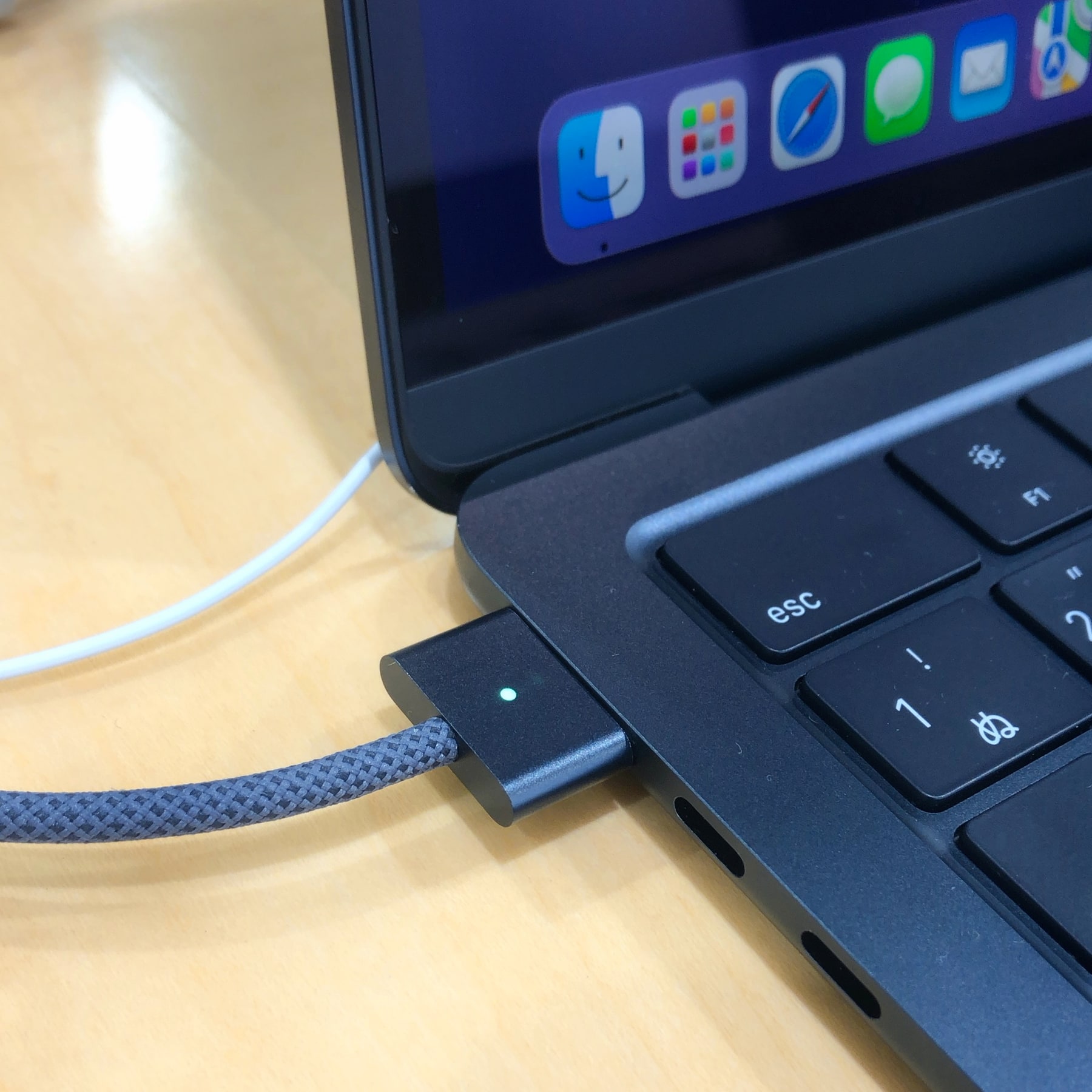
Apple’s up-to-18-hour figure refers to its movie-playback test. Video calls, brighter screens and different applications can produce different results. With used or refurbished hardware, inspect battery condition and return rights. Also confirm the keyboard layout, charging equipment and remaining support options. The most attractive listing is the one that fits your needs with the fewest expensive surprises.
The trade-offs
What works, and what to weigh up
Pros
- Portable notebook format with a 13.6-inch display
- Fanless design avoids fan noise
- MagSafe charging keeps the USB-C ports available
Cons
- Port selection may require an adapter
- Memory and storage choice should be settled before purchase
- Older stock needs careful warranty and battery checks
Who it suits
Students, writers and everyday office users who value portability and prefer macOS.
Our conclusion
Worth evaluating as a portable everyday Mac, particularly at a well-supported discounted price. Match the memory, storage and external-display needs to your actual work.
Start with your needs, compare the exact product and choose a seller whose terms you understand. A clear fit is more valuable than a long feature list.
Sources & editorial notes
Apple technical specifications — consulted for product details. Product availability, support and service features can change; confirm the exact version before purchase.
We do not reproduce third-party reviews. Photographs are licensed separately; see image credits. For corrections, email the editorial team.